Zanda Health

PracticePal vs. Zanda

The Best PracticePal Alternative for Allied Health Practitioners

What's the difference between PracticePal and Zanda?

PracticePal vs Zanda: Top highlights

1

Simple, inclusive subscription

Simple, inclusive subscription
2

Brandable client portal

Brandable client portal
3

Two-way SMS and email communication

Two-way SMS and email communication
4

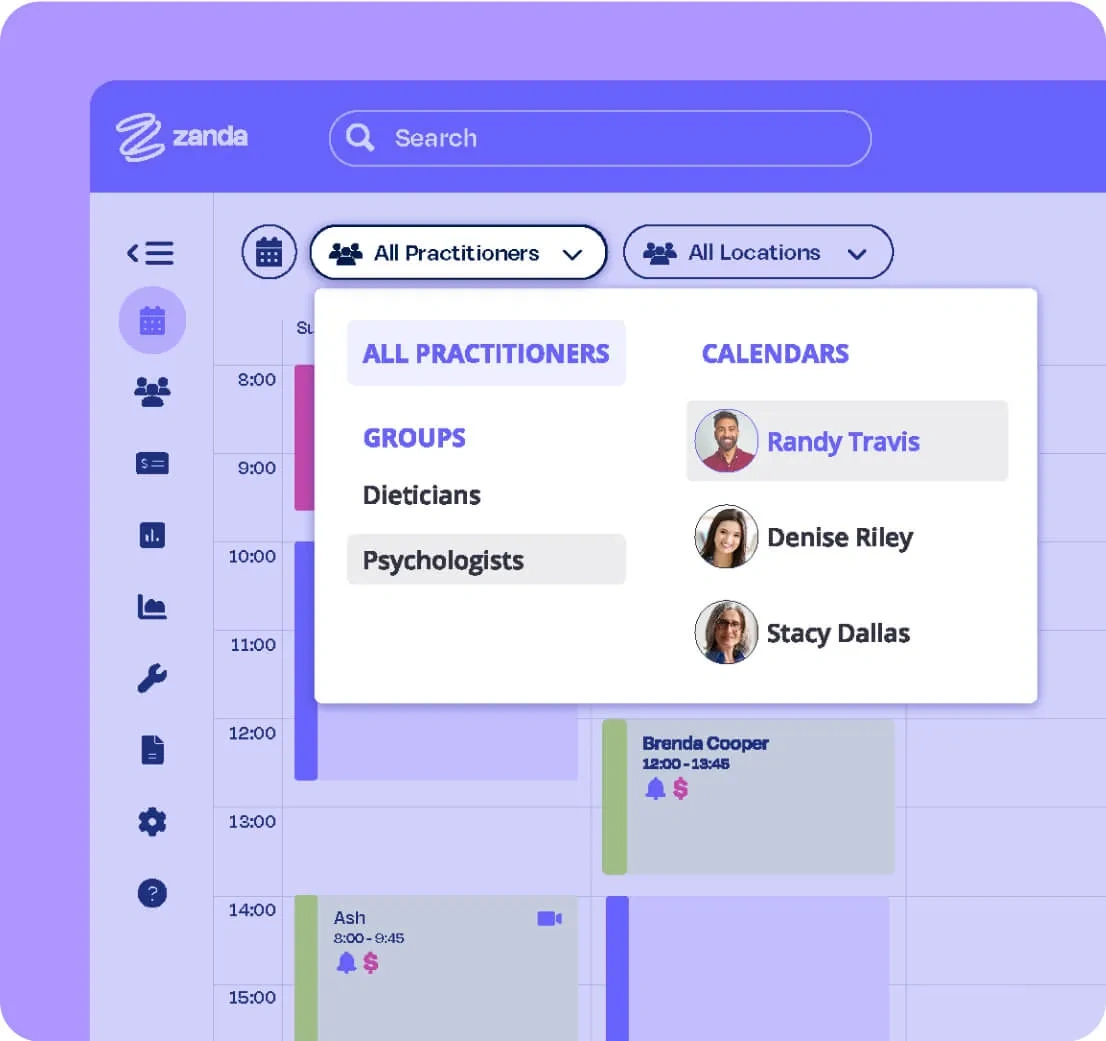
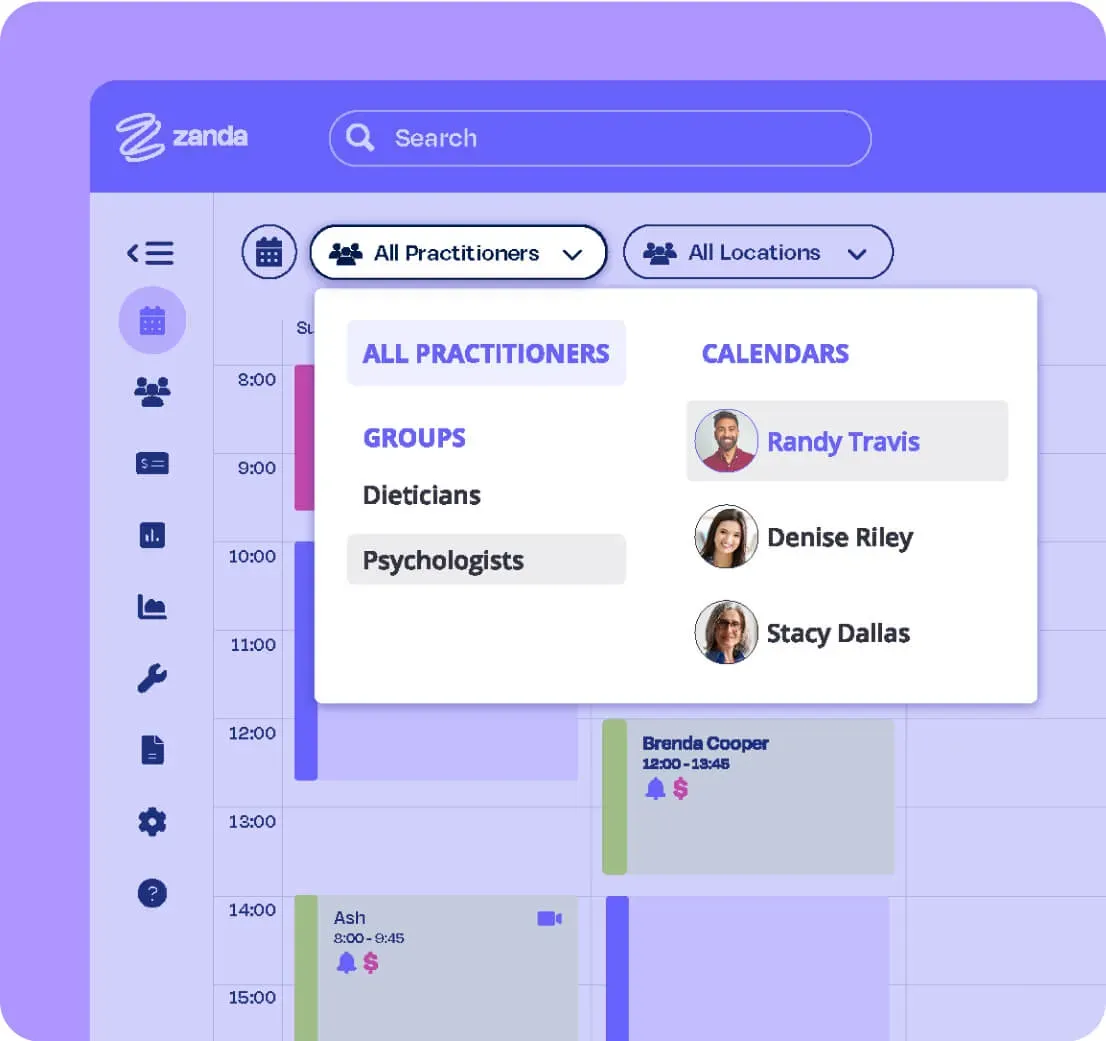
Auto-appointment reminders with smart processing

Auto-appointment reminders with smart processing
5

Fill cancellations with the waitlist

Fill cancellations with the waitlist

See why health practices love Zanda

44k+

Users

1.5M+

Invoices per month

1M+

Client notes a month

PracticePal vs Zanda: Side-by-side comparison*

Here's how Zanda and PracticePal compare across the features that matter most.

Getting started
Zanda
PracticePal
Free trial
14-day free trial with access to all features, including SMS messaging.
No. The only option is to book a demo.
Pricing model
Simple flat pricing. All features included. Pay per SMS sent.
Base subscription plus paid add-ons for treatment notes, online bookings, finance features, and more. Automated email reminders incur a per-email fee.
Money-back guarantee
Yes
No
Data import service
Comprehensive data import, free of charge.
Yes, but starts at approx. $185 USD.
Scheduling & bookings
Calendar management
Multiple appointment types with color coding, appointment flags, multiple locations, and flexible recurring availability.
Yes
Online bookings
Via the client portal at no extra subscription or per-booking fee. Auto-updates your calendar. Branded portal with logo, header image, and brand colors. Add a booking link to your website or Facebook.
Available as a paid add-on. Each successful booking incurs an additional per-booking fee. Booking link can be added to a website but not Facebook.
Waitlist
Yes
No
Client portal branding
Logo, header image, brand colors, booking rules, cancellation policy, custom availability, and personalized instructions.
Very limited customization options.
Communication
SMS & email reminders
Up to 3 SMS and email reminders per appointment with flexible sending times. Responses auto-update appointment status in the calendar.
Yes, but each automated email reminder incurs an additional fee. Responses do not update booking status.
2-Way SMS chat
Seamless two-way chat from within the app. Messages grouped into conversations.
All client communication is one-way only.
Bulk messaging
Yes, bulk SMS and email from within the app, plus Mailchimp integration.
Yes, bulk SMS and email supported.
Clinical tools
Online forms
Fully customizable templates or build your own. Collect data and signatures before sessions. Ideal for intake forms and telehealth consent.
No mention of online forms on the PracticePal website.
Treatment notes
100+ specialized, fully customizable templates with text areas, image/body charting, multiple choice, tick boxes, and more. Duplicate previous notes easily.
Yes, but available as a paid add-on only.
Telehealth
Yes
No
Payments & billing
Invoices & payments
Fully integrated. Calendar alerts for outstanding payments. Block clients from booking with unpaid invoices. Integrates with Xero, Stripe, and Tyro.
Yes, but can't set custom alerts for outstanding invoices or block bookings until settled. Integrates with Xero and Stripe, but not Tyro.
Credit card processing
At booking, during home visits, or via client portal (Stripe).
Yes, via Stripe integration (prepayments).
Client management
Client management system
Yes
Yes, but unable to record referrers.
Reports & analytics
Yes
Yes
Support & onboarding
Training & support
Expert support team via email and live chat. Full knowledge base with step-by-step guides, continuously updated.
60-min onboarding demo plus one follow-up demo. No knowledge base or live chat. Additional 30-min sessions available for a fee.
Practice Operations Manual
Industry-first feature with 100+ ready-to-use policies, fully editable.
No

*This comparison article reflects information available as of April 2020.

Still need a hand deciding?

Reviews

Read Reviews

Features

See Features

Pricing

View Pricing

Data import

Data Import

What Practitioners Are Saying

Zanda is more flexible than your other dental softwares especially for mobile.
Nateenee Langsanam, Founder & Oral Health Therapist
Dental on Wheels
Zanda is giving practices the ability to grow and evolve by putting systems in place and making the admin part really easy is really rewarding.
Jenni Salisbury, Owner
Practice Management Administration & Support Service
Organization is helpful, invoicing is awesome, super easy. Love the online forms and automatic import to file - one less thing I have to do! I love how files and info is stored and how my calendar looks.
Taylor
With ADHD it takes me a while to organize my thoughts. BizzyAI can put my thoughts together for me. I don't have to worry about writing the details and I can let the clients know they have my full attention. Provides a sense of relief.
Andrea Sullivan
It's really saved me from needing to hire that full-time admin person.
Cassandra Gavel, Practice Owner / Clinician
GBY Therapy (Guided By You Therapy)
I was able to quickly learn Zanda. The scheduling and invoicing are simple, and it is easy to track payments as well. It does everything I need it to do for my business!
Ashley C

Professions we serve

Try Zanda for Yourself!

Start your free trial before the end of the month and get 50% off for six months. Switch from PracticePal with full migration support and a team that helps you get set up the right way.