

PPS vs. Zanda
The Best PPS Alternative for Allied Health Practitioners
What's the difference between PPS and Zanda?
Choosing the best practice management system isn't easy. If you're looking for a fully portable, web-based solution with online bookings, two-way client communication, and all features available on any device, Zanda is the stronger choice.
PPS vs Zanda: Top highlights
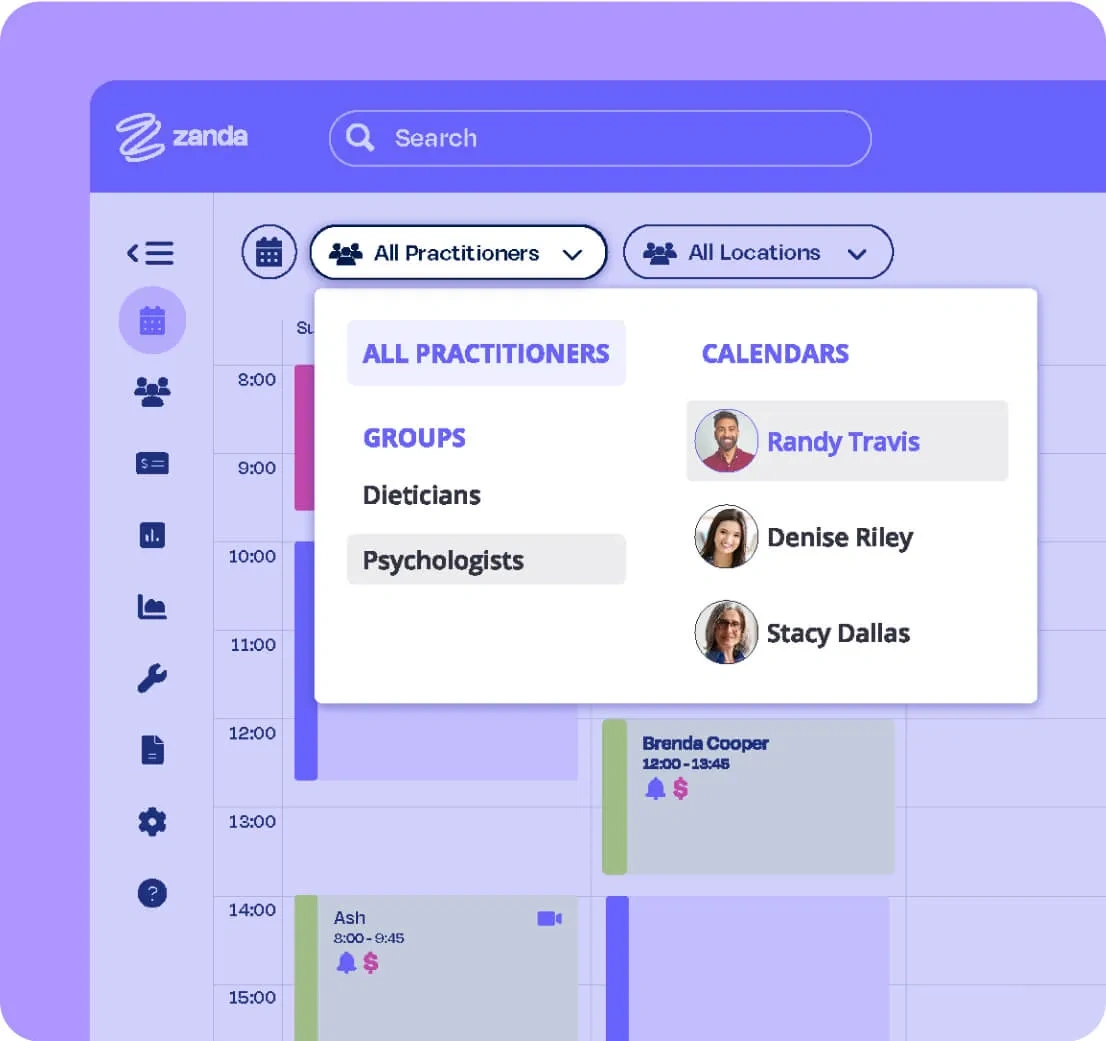
Web-based with no functionality restrictions
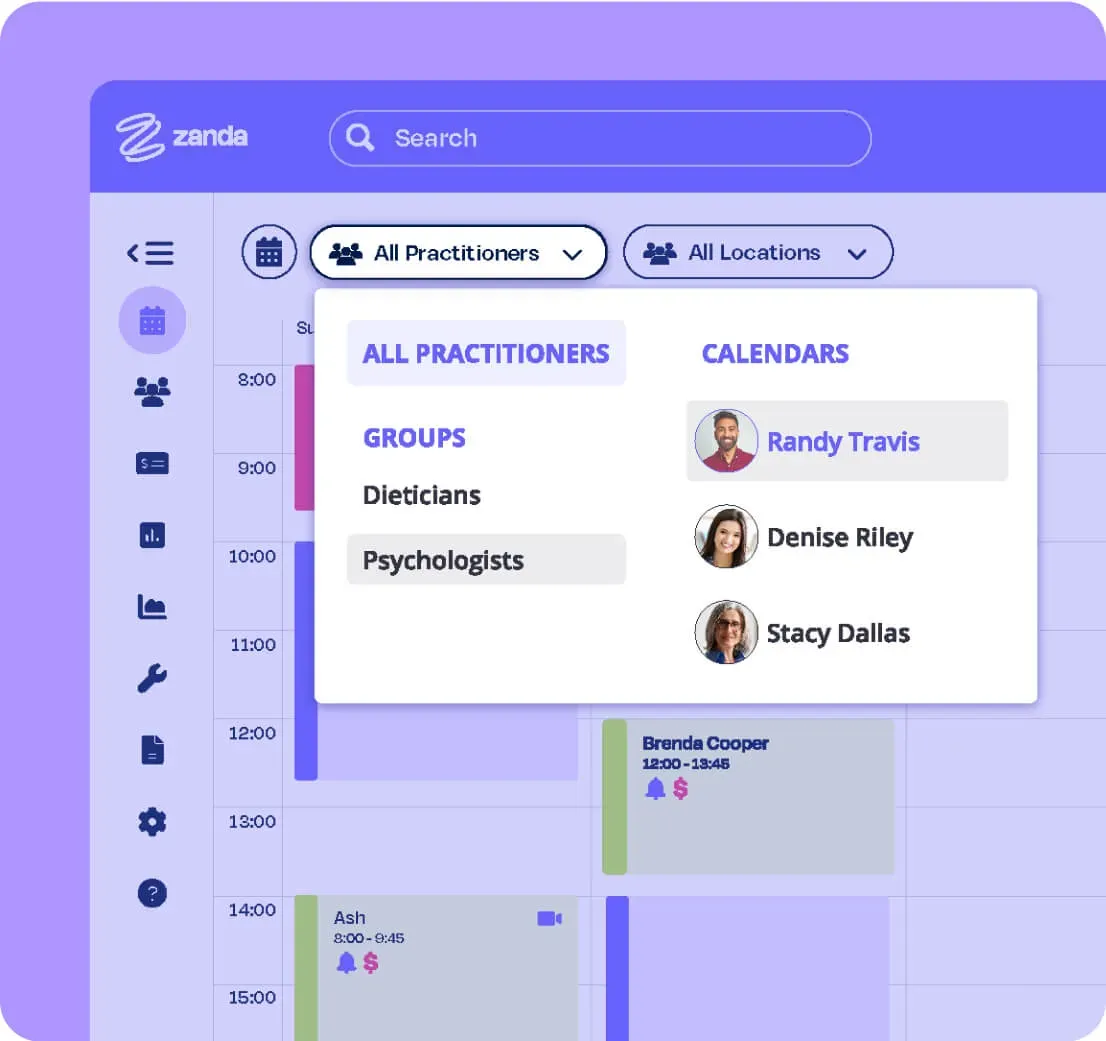
Zanda is fully web-based. Access your account from any computer, tablet, or smartphone with just an internet connection. PPS offers three different versions (Online, Offline, and Express), each with different feature sets and limitations. PPS Express reduces diary options, appointment types, and removes online bookings. PPS Offline requires a desktop install.
Seamless two-way communication with clients and providers
Both systems send SMS and email appointment reminders, but only Zanda supports seamless two-way messaging with clients, colleagues, and other healthcare providers, all from within the app. PPS allows outbound custom messages, but two-way SMS chat with clients is not supported.
Online bookings with no added fees
Both systems support online bookings, but PPS charges an additional monthly fee for the feature. With Zanda, online bookings are included at no extra cost. New bookings automatically update your calendar and link to the client file, with no manual matching required.
Affordable, transparent pricing
Zanda's pricing is structured by practice size with no hidden add-ons. The only extra charge is for SMS sent. PPS offers three separate versions with different pricing tiers and add-ons, making direct comparison difficult. For anything beyond a solo practitioner, Zanda works out significantly more affordably.
100% money-back guarantee
Every Zanda account is backed by an industry-first money-back guarantee: if Zanda isn't right for you within the first 12 months, you'll receive a full refund of subscription fees, no questions asked. PPS offers no money-back guarantee.
See why health practices love Zanda
Zanda is purpose-built for allied health. Whether you're running a solo clinic or a multi-location practice, Zanda gives you everything you need to manage clients, notes, billing, and communications, without the limitations of add-on pricing.
Users
Invoices per month
Client notes a month
PPS vs Zanda: Side-by-side comparison*


*This comparison article reflects information available as of April 2020.
Why should you choose Zanda?

In-platform Practice Operations Manual
Zanda is the only practice management system that includes a ready-to-use Practice Operations Manual. Over 100 policies and procedures developed by industry experts, included at no extra cost. Edit, archive, or add your own any time.
No risk with our money-back guarantee
Start your account today. If Zanda isn't the right fit within your first 12 months, we'll refund 100% of your subscription fees, no questions asked.
Training and support whenever you need it
Zanda's expert support team is available via email and live chat. Our knowledge base is packed with step-by-step guides covering every feature, continuously updated.
Still need a hand deciding?
Our team is ready to help via email, live chat, or our knowledge base.
What Practitioners Are Saying
Professions we serve
















Ready to Switch from PPS?
Switching from PPS is straightforward. Zanda offers certified ISO compliance, lower costs, full migration support, and functionality that works the way you do. Try it free and experience the best alternative to PPS for allied health professionals who want more control and less admin in their day.