Zanda Health

PracticePal vs. Zanda

The Best PracticePal Alternative for Allied Health Practitioners

What's the difference between PracticePal and Zanda?

PracticePal vs Zanda: Top highlights

1

Simple, inclusive subscription

Simple, inclusive subscription
2

Brandable client portal

Brandable client portal
3

Two-way SMS and email communication

Two-way SMS and email communication
4

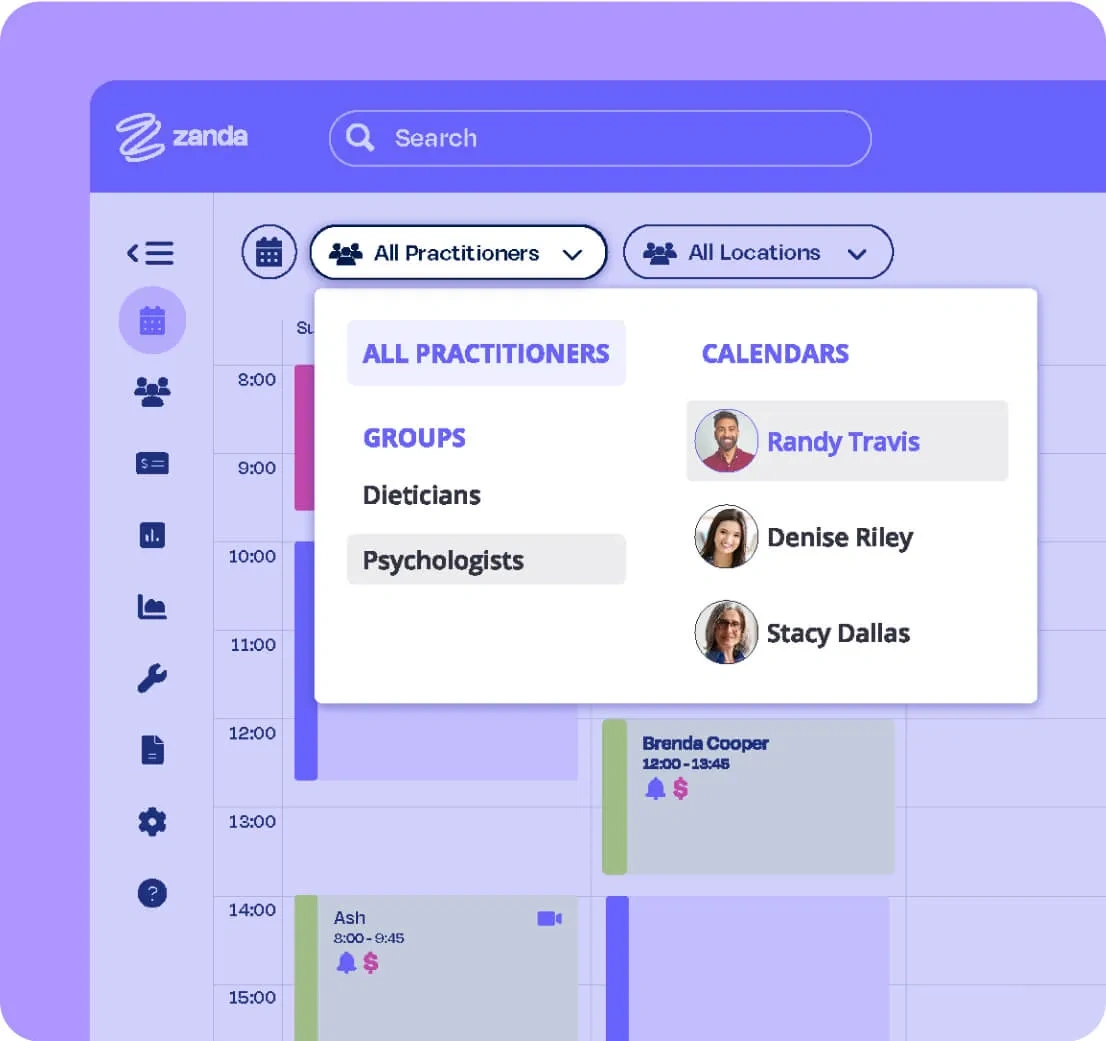
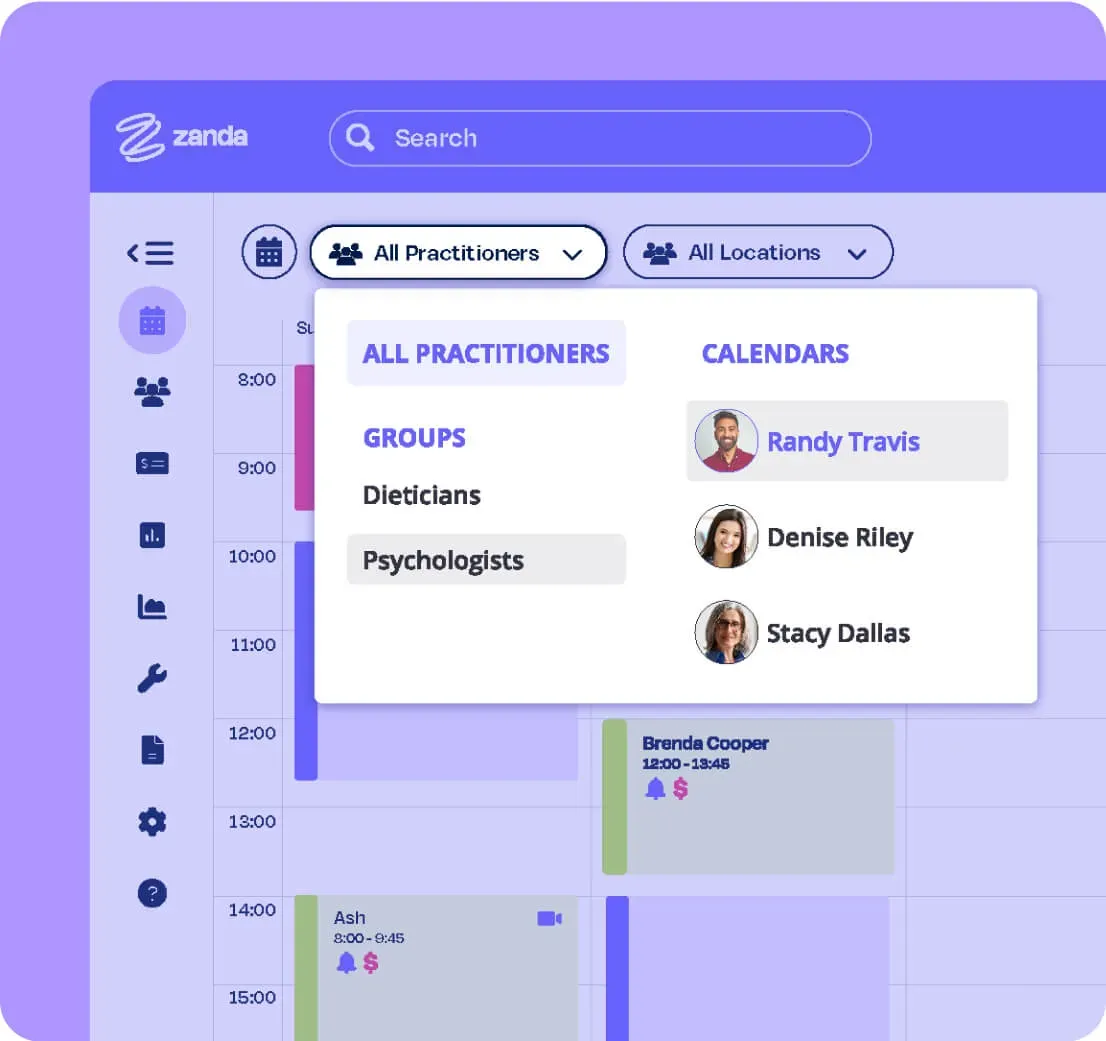
Auto-appointment reminders with smart processing

Auto-appointment reminders with smart processing
5

Fill cancellations with the waitlist

Fill cancellations with the waitlist

See why health practices love Zanda

44k+

Users

1.5M+

Invoices per month

1M+

Client notes a month

PracticePal vs Zanda: Side-by-side comparison*

Here's how Zanda and PracticePal compare across the features that matter most.

Getting started
Zanda
PracticePal
Free trial
14-day free trial with access to all features, including SMS messaging.
No. The only option is to book a demo.
Pricing model
Simple flat pricing. All features included. Pay per SMS sent.
Base subscription plus paid add-ons for treatment notes, online bookings, finance features, and more. Automated email reminders incur a per-email fee.
Money-back guarantee
Yes
No
Data import service
Comprehensive data import, free of charge.
Yes, but starts at approx. $185 USD.
Scheduling & bookings
Calendar management
Multiple appointment types with colour coding, appointment flags, multiple locations, and flexible recurring availability.
Yes
Online bookings
Via the client portal at no extra subscription or per-booking fee. Auto-updates your calendar. Branded portal with logo, header image, and brand colours. Add a booking link to your website or Facebook.
Available as a paid add-on. Each successful booking incurs an additional per-booking fee. Booking link can be added to a website but not Facebook.
Waitlist
Yes
No
Client portal branding
Logo, header image, brand colours, booking rules, cancellation policy, custom availability, and personalised instructions.
Very limited customisation options.
Communication
SMS & email reminders
Up to 3 SMS and email reminders per appointment with flexible sending times. Responses auto-update appointment status in the calendar.
Yes, but each automated email reminder incurs an additional fee. Responses do not update booking status.
2-Way SMS chat
Seamless two-way chat from within the app. Messages grouped into conversations.
All client communication is one-way only.
Bulk messaging
Yes, bulk SMS and email from within the app, plus Mailchimp integration.
Yes, bulk SMS and email supported.
Clinical tools
Online forms
Fully customisable templates or build your own. Collect data and signatures before sessions. Ideal for intake forms and telehealth consent.
No mention of online forms on the PracticePal website.
Treatment notes
100+ specialised, fully customisable templates with text areas, image/body charting, multiple choice, tick boxes, and more. Duplicate previous notes easily.
Yes, but available as a paid add-on only.
Telehealth
Yes
No
Payments & billing
Invoices & payments
Fully integrated. Calendar alerts for outstanding payments. Turn off online booking for individual clients, for example while an invoice is unpaid. Integrates with Xero, Stripe, and Tyro.
Yes, but can't set custom alerts for outstanding invoices or block bookings until settled. Integrates with Xero and Stripe, but not Tyro.
Credit card processing
At booking, during home visits, or via client portal (Stripe).
Yes, via Stripe integration (prepayments).
Client management
Client management system
Yes
Yes, but unable to record referrers.
Reports & analytics
Yes
Yes
Support & onboarding
Training & support
Expert support team via email and live chat. Full knowledge base with step-by-step guides, continuously updated.
60-min onboarding demo plus one follow-up demo. No knowledge base or live chat. Additional 30-min sessions available for a fee.
Practice Operations Manual
Industry-first feature with 100+ ready-to-use policies, fully editable.
No

*This comparison article reflects information available as of April 2020.

Still need a hand deciding?

Reviews

Read Reviews

Features

See Features

Pricing

View Pricing

Data import

Data Import

What Practitioners Are Saying

Everything I need to run my business in one place making it easy to access client files, store information, run reports and keep on top of my accounting, wherever and whenever I need to.
Vanya S.
The interface is really user-friendly, it has great features that are needed for Private Practice and great customer support. I especially love the client profile section and the fact that it's easily adaptable to any client base (such as minors and couples!). You can add contacts to get appointment reminders as well as the client themselves and you can add an emergency contact.
Kim Simmons
I love the online forms and the easy layout. When setting up new clients remotely, it has been so easy to send them the online consent forms etc. There's no printing or scanning required for the client, which I love.
Elicia Clarke
All of that is already in there, and it's saving me hours and hours of time. All of my focus can be on either my clients or building my practice.
Cassandra Gavel, Practice Owner / Clinician
GBY Therapy (Guided By You Therapy)
Since I have started using Zanda, my practice runs so much smoother, far less no shows with email and text reminders. Also, a much easier way to keep track of unpaid invoices.
Jodie Ward
Previously it was very time consuming, and I often struggled to find time in between patients to write notes. Now it is much faster and also very thorough.
Erone Voigt

Professions we serve

Try Zanda for Yourself!

Start your free trial before the end of the month and get 50% off for six months. Switch from PracticePal with full migration support and a team that helps you get set up the right way.